Integration
Google Search Console. The core of the loop.
The Search Console integration gives Varf read-only access to your site’s Google search data. Varf syncs it every morning and uses it to find low click-through rates, near-wins and pages losing clicks, and to measure the page changes you approve.
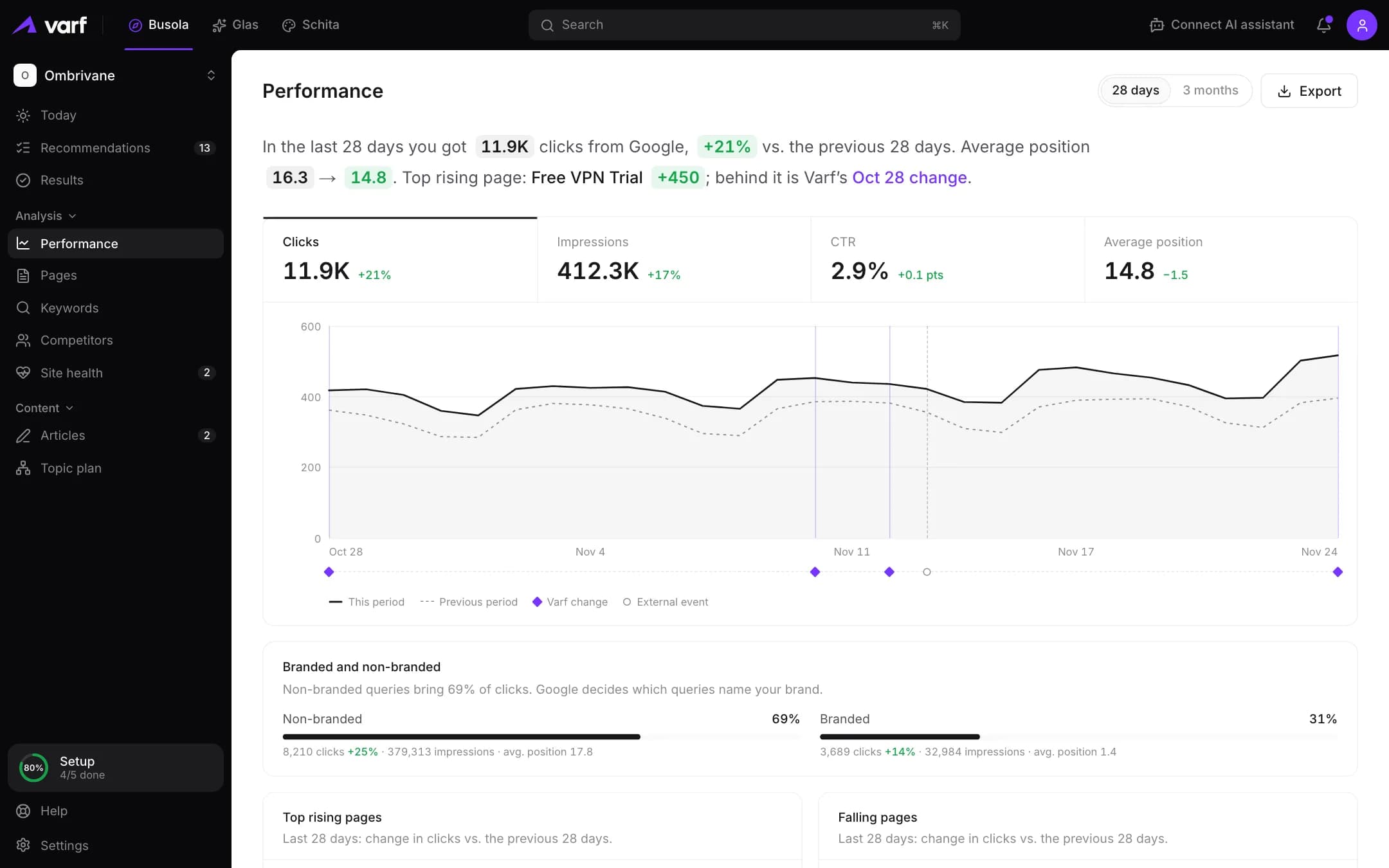
What Varf reads.
Finalized Search Console data for the last 28 and 90 days, next to the period before. Search Console reports with a delay of 2 to 3 days.
- Clicks, impressions, click-through rate and average position.
- By page, query, country and device.
- Up to 5,000 pages, 25,000 queries and 25,000 page and query pairs per sync.
- Your submitted sitemaps and the index status of important pages.
- Every morning at 06:00, Türkiye time.
What it powers.
- Today and Performance: totals, trends, rising and falling pages.
- Recommendations: low click-through rate, striking distance, click drop, sitemap, indexing and rich result checks.
- Results: each page change you approve is measured against Search Console clicks.
Set up in four steps.
- 1
Add your site
Create a workspace with your domain. - 2
Connect Google
In Settings › Integrations, choose Connect Search Console and sign in with a Google account that can see your property. Allow read-only access. - 3
Pick the property
Choose your property. Domain and URL-prefix properties both work; the ones that match your domain are listed first. - 4
First sync
Varf fetches your data right away and shows the first recommendations when the sync finishes.
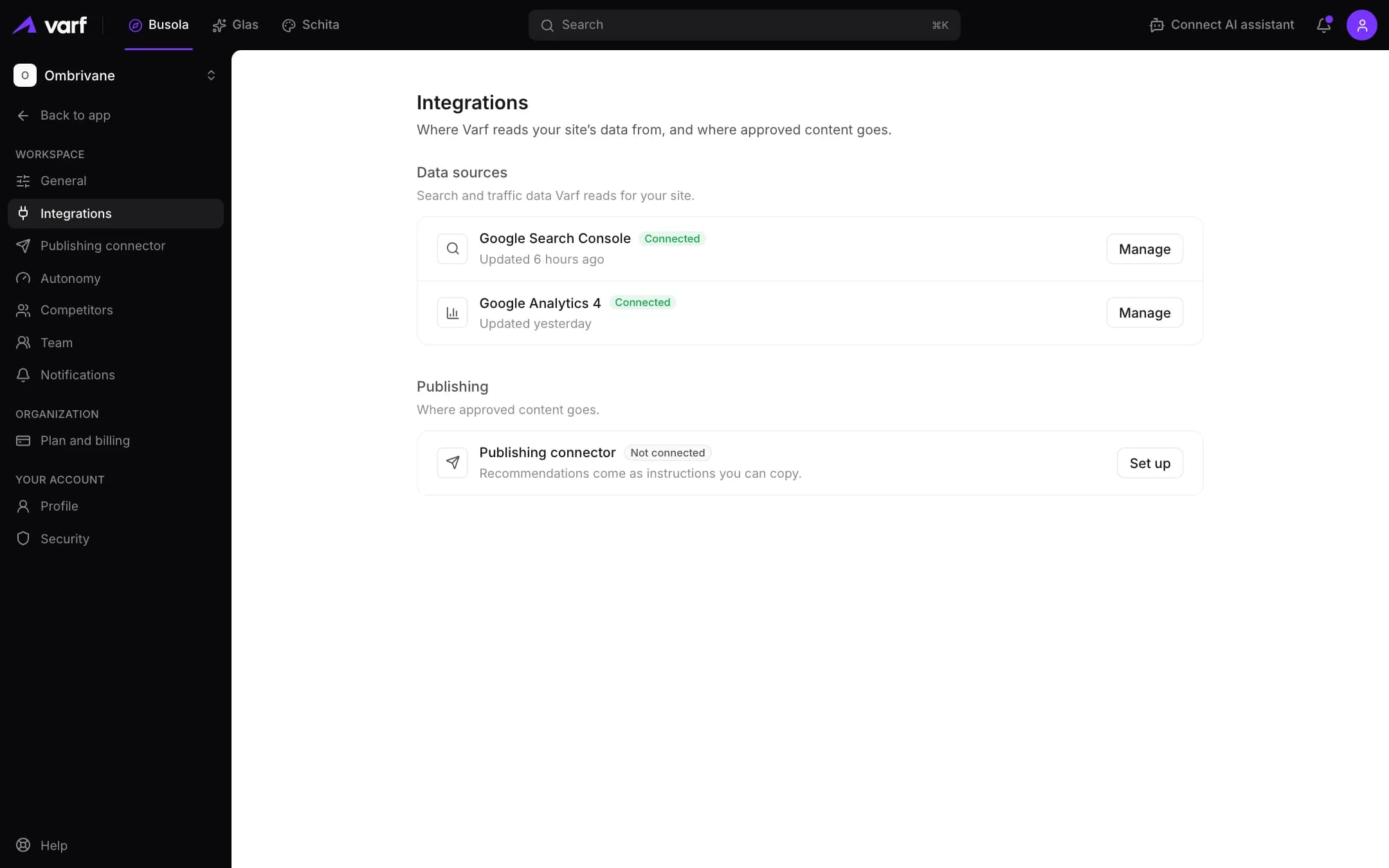
Permissions and disconnecting.
- Scope: webmasters.readonly. Varf can’t change your Search Console settings or submit anything.
- Only admins can connect or disconnect. The connection uses the Google account of the admin who connected it.
- Disconnecting deletes the cached data and the pending recommendations based on it, and revokes Varf’s access to that Google account if no other site uses it.
Frequently asked questions
Domain property or URL-prefix property?
Both work. A domain property covers every subdomain and protocol; a URL-prefix property covers only addresses under its prefix.
Why is the latest data a few days old?
Search Console finalizes its data with a delay of 2 to 3 days. Varf uses only finalized data, so numbers don’t change after you see them.
Which Google account should I use?
One that has access to the property in Search Console. Owners and users of the property can connect.
Can I connect several sites?
Yes. Each site is its own workspace with its own Search Console property.
What if the person who connected it leaves the team?
The connection stops and Varf emails the admins, so another admin can connect it again.
Put your site on the loop.
Add your site and connect Search Console. Varf starts collecting right away and shows its first findings as soon as the first sync finishes.