Integrations
Every source, one loop. Connected in minutes.
Integrations are how Varf collects your site’s data and publishes your articles. Connect Search Console and Google Analytics to read performance, Cloudflare to count AI bot visits, WordPress or a webhook to publish, and MCP or the API to work with Varf from your own tools.
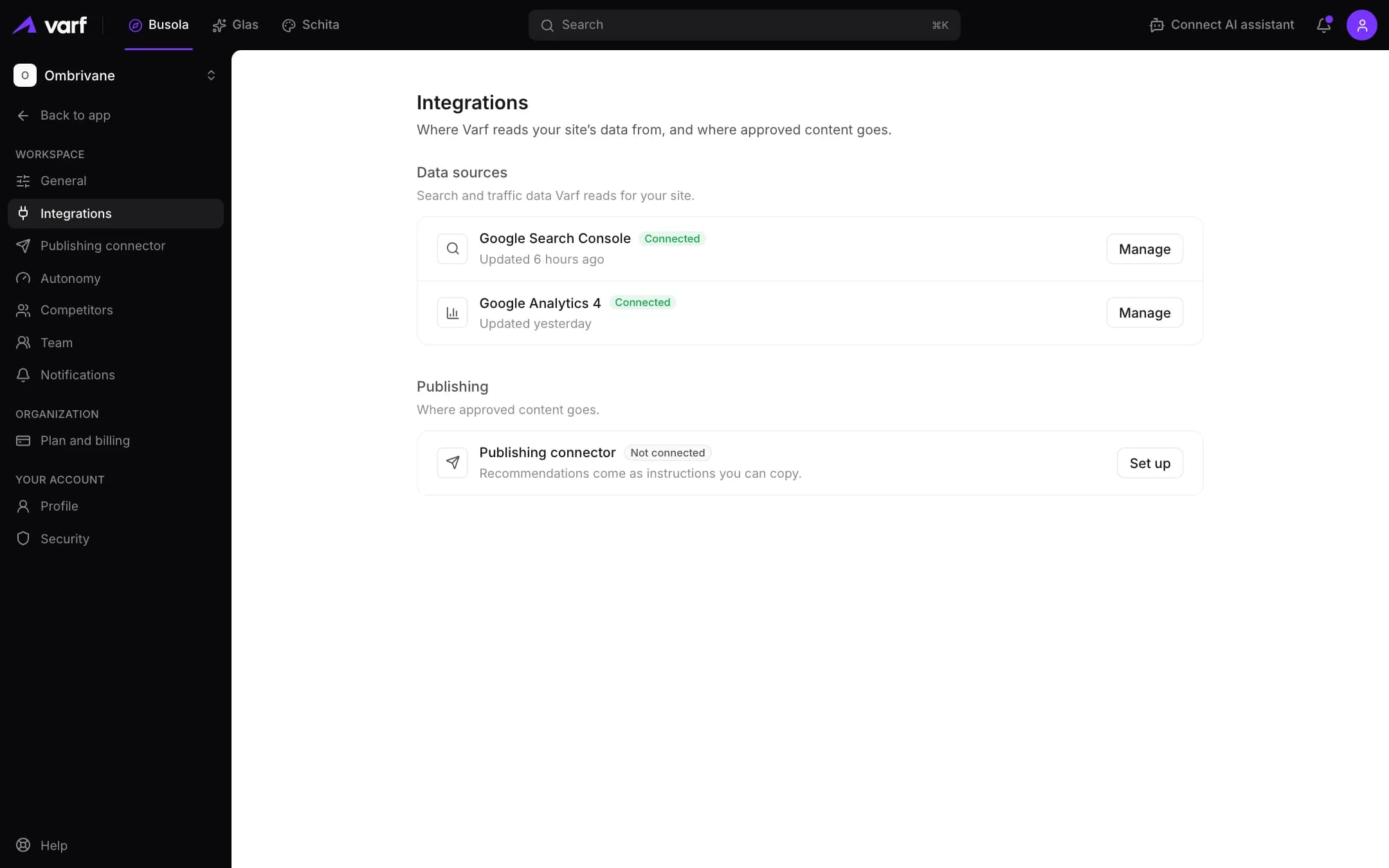
Seven integrations. Search Console first.
Search Console is the one most of the loop depends on. The others add data, publishing or access from your own tools.
Google Search Console
Clicks, impressions, CTR and position for every page and query. Read-only, synced every morning.Learn moreGoogle Analytics 4
Sessions, key events and visits from AI assistants. Read-only, synced every morning.Learn moreCloudflare
Which AI bots actually visit your site, the errors they hit and the pages they read most. Read-only token, synced every morning.WordPress
Publishes approved articles as drafts or live posts, with categories, tags and a featured image.Learn moreWebhook
Sends approved articles to any site or CMS as signed JSON.Learn moreMCP
Connects Claude, ChatGPT, Cursor or VS Code to your Varf data.Learn moreREST API
Reads and manages workspaces, recommendations, results, keywords and content from your own code.Learn more
Varf’s own data. No setup needed.
Some data Varf collects itself, from your domain alone.
Keywords and rankings
The keywords your site ranks for, monthly searches and difficulty, and daily positions in Google’s mobile top 100.Site crawl
VarfBot crawls your site every week and checks every page against 32 rules.Page speed
Core Web Vitals for your site and key pages from Google’s Chrome UX Report, every morning.AI answers
Daily answers from ChatGPT, Gemini and Google’s AI Overview to the questions you track.
Your data stays yours.
Varf asks only for the access it needs, and you can take it back at any time.
- Google access is read-only: Varf can’t change anything in your Search Console or Analytics.
- Publishing passwords, secrets and the Cloudflare token are encrypted at rest and never shown again.
- Disconnecting Search Console deletes its cached data and revokes Varf’s access to that Google account if no other site uses it.
- Only admins can connect or disconnect integrations.
Frequently asked questions
Which integrations do I need?
Search Console matters most: click-based recommendations and measurement depend on it. Google Analytics adds AI traffic, Cloudflare adds AI bot visits, and WordPress or a webhook lets Varf publish articles.
Which Google permissions does Varf ask for?
Read-only access: webmasters.readonly for Search Console and analytics.readonly for Google Analytics.
My site isn’t on WordPress. Can Varf publish to it?
Yes, with the webhook. Varf sends each approved article as signed JSON to an HTTPS address you choose, and your code creates or updates the post.
What happens when I disconnect an integration?
Varf stops collecting from that source. For Search Console, the cached data and the pending recommendations based on it are removed.
Put your site on the loop.
Add your site and connect Search Console. Varf starts collecting right away and shows its first findings as soon as the first sync finishes.